Writing Efficient SQL Queries for Faster Application
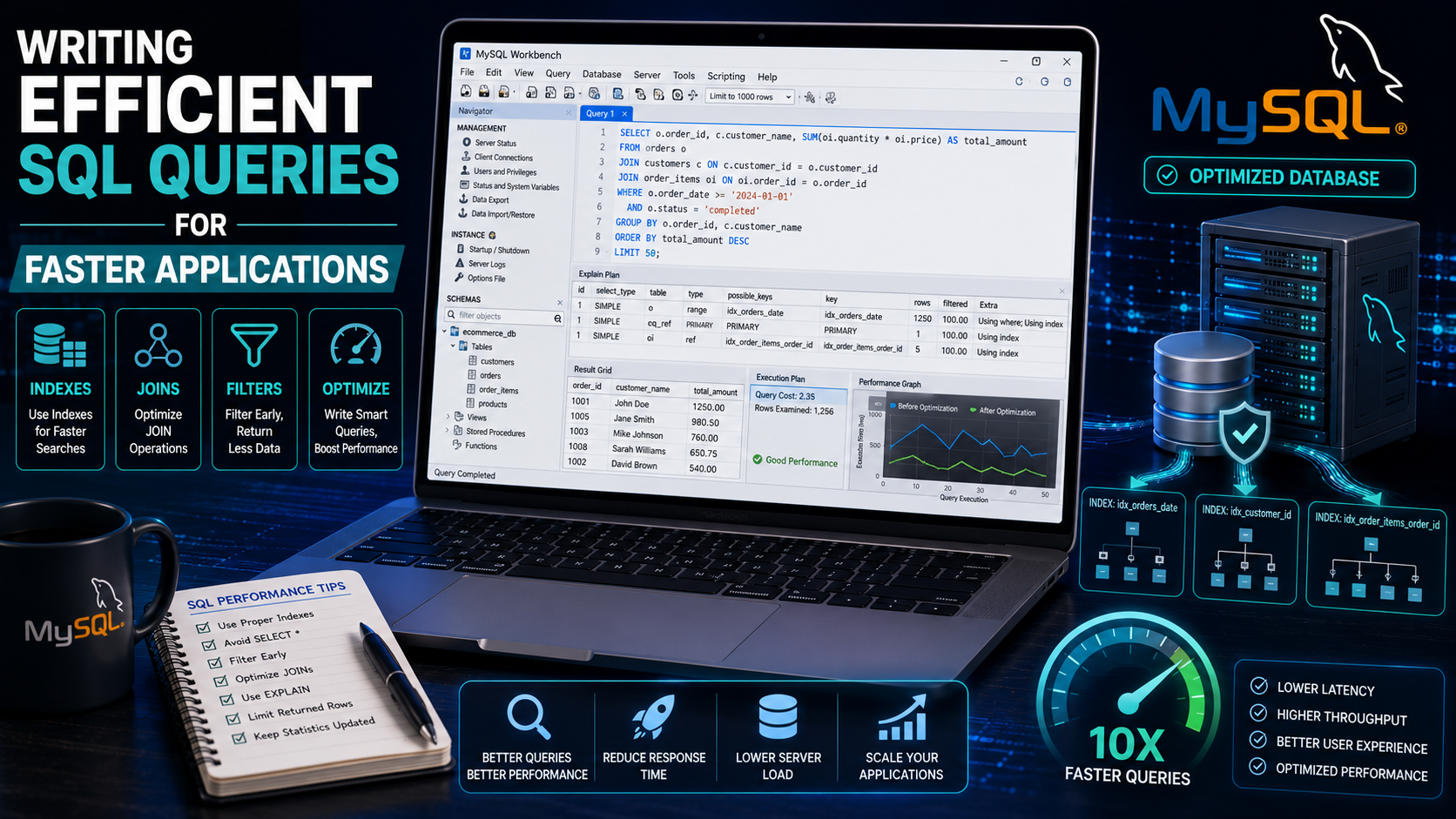
Writing Efficient SQL Queries for Faster Application
As your website or web application grows, the database often becomes one of the biggest performance bottlenecks. A poorly written SQL query can slow down an entire application, increase server load, and create a poor user experience.
Efficient SQL queries help applications load faster, reduce server resource usage, and improve scalability. Whether you're developing a personal blog, an e-commerce platform, or an enterprise system, learning SQL optimization is an essential backend development skill.
In this guide, you'll learn practical techniques for writing faster, cleaner, and more efficient SQL queries.
Why SQL Performance Matters
A database is responsible for retrieving, storing, updating, and deleting information. Every unnecessary database operation consumes CPU time, memory, and storage resources.
Efficient SQL queries provide several benefits:
Faster page loading
Reduced server workload
Better user experience
Lower hosting costs
Improved scalability
Faster reporting and analytics
Optimizing your database queries early helps prevent performance issues as your application grows.
Understanding How SQL Executes Queries
When a query is submitted:
The database parser checks the SQL syntax.
The query optimizer determines the best execution plan.
The database engine retrieves the requested data.
Results are returned to the application.
Writing efficient queries helps the optimizer choose faster execution plans.
1. Select Only the Columns You Need
Avoid:
SELECT * FROM students;
Better:
SELECT fullname, email FROM students;
Selecting only the required columns reduces memory usage and improves query speed.
2. Filter Data with WHERE
Instead of retrieving every record:
SELECT * FROM students;
Retrieve only the records you need:
SELECT * FROM students WHERE course = 'Computer Science';
Filtering reduces the amount of data processed and transferred.
3. Use Indexes
Indexes allow the database to locate records much faster.
Create an index:
CREATE INDEX idx_email ON students(email);
Indexes are particularly useful for columns frequently used in:
WHERE, JOIN, ORDER BY, GROUP BY
However, avoid creating unnecessary indexes because they increase storage requirements and slow down insert and update operations.
4. Avoid Unnecessary Wildcards
Avoid:
SELECT * FROM students WHERE fullname LIKE '%John%';
Whenever possible, prefer:
SELECT * FROM students WHERE fullname LIKE 'John%';
Searching from the beginning of a string allows indexes to be used more effectively.
5. Limit Returned Rows
If you only need a few records:
SELECT * FROM students LIMIT 10;
Using LIMIT reduces processing time and network traffic.
6. Use Proper JOINs
Instead of running multiple separate queries, combine related tables.
Example:
SELECT students.fullname,courses.course_name FROM students JOIN courses ON students.course_id = courses.id;
JOINs retrieve related information efficiently while reducing duplicate queries.
7. Avoid Duplicate Data
Instead of:
SELECT DISTINCT course FROM students;
Design your database to minimize duplicate data through proper normalization whenever practical.
8. Use EXISTS Instead of COUNT() When Appropriate
Avoid:
SELECT COUNT(*) FROM users WHERE email='john@example.com';
Better:
SELECT EXISTS( SELECT 1 FROM users WHERE email='john@example.com' );
If you only need to know whether a record exists, EXISTS can be more efficient than counting every matching row.
9. Use Pagination
Instead of loading thousands of records at once:
SELECT * FROM products;
Use pagination:
SELECT * FROM products LIMIT 20 OFFSET 0;
Pagination improves both database performance and user experience.
10. Use Appropriate Data Types
Choose data types carefully.
Examples:
INT for whole numbers
VARCHAR(100) for names
DATE for dates
BOOLEAN for true/false values
Smaller, appropriate data types reduce storage usage and improve performance.
Understanding Query Execution Plans
Most database systems allow you to examine how a query will be executed.
Example:
EXPLAIN
SELECT * FROM students WHERE email='john@example.com';
Execution plans help identify:
Table scans
Index usage
Join methods
Estimated execution cost
Learning to read execution plans is an important optimization skill.
Avoid Repeated Database Queries
Instead of repeatedly querying the database for the same information, consider:
Reusing query results where appropriate.
Implementing application-level caching.
Reducing unnecessary database requests within loops.
Efficient applications minimize redundant database communication.
Optimize Sorting
Sorting large datasets can be expensive.
Example:
SELECT fullname FROM students ORDER BY fullname;
Adding an index to frequently sorted columns can improve performance significantly.
Normalize Your Database
Database normalization helps eliminate duplicate data and improve consistency.
Typical normalization benefits include:
Reduced storage requirements
Easier updates
Better data integrity
Improved maintainability
Balance normalization with application performance needs.
Common SQL Performance Mistakes
Avoid these common problems:
Using SELECT * unnecessarily.
Forgetting indexes on frequently searched columns.
Returning thousands of rows when only a few are needed.
Running database queries inside loops.
Ignoring execution plans.
Creating excessive indexes.
Best Practices
Professional developers typically:
Select only required columns.
Index important search fields.
Filter results with WHERE.
Use prepared statements in application code.
Paginate large datasets.
Monitor slow queries.
Back up databases before major schema changes.
Test performance using realistic datasets.
Practical Mini Project
Build a Product Inventory System with these features:
Search products by name.
Filter by category.
Sort by price.
Paginate product listings.
Display product details using JOINs.
Then optimize your SQL queries by:
Adding indexes.
Reducing unnecessary columns.
Using execution plans.
Measuring performance improvements.
This project demonstrates real-world SQL optimization techniques.
Helpful Tools
Useful database performance tools include:
MySQL Workbench
phpMyAdmin
Visual Studio Code
XAMPP
Laragon
Git
GitHub
Many database management tools also include performance monitoring and query analysis features.
Frequently Asked Questions
What is SQL query optimization?
SQL query optimization is the process of improving SQL statements so they execute faster and use fewer database resources.
Do indexes always improve performance?
No. Indexes speed up many read operations but can slow down inserts, updates, and deletes because the indexes also need to be maintained.
Should I always avoid SELECT *?
In production applications, it's generally better to select only the columns you need. This reduces data transfer and often improves performance.
Conclusion
Writing efficient SQL queries is one of the most valuable skills for backend developers. Small improvements—such as selecting only required columns, using indexes wisely, filtering data efficiently, and analyzing execution plans—can significantly improve application performance.
As your projects grow, continue learning advanced database topics such as composite indexes, transactions, stored procedures, partitioning, caching, and query profiling. Combining these techniques with well-designed database schemas will help you build scalable, high-performance web applications.
For More Reading, check
Official Documentation (The Ultimate Authority)
Always start with the official optimizer guides for your specific database—they are the most accurate.
- PostgreSQL Performance & Query Optimization
Official guide covering indexes, EXPLAIN, and planner statistics.
🔗 https://www.postgresql.org/docs/current/performance-tips.html - MySQL Query Optimization & EXPLAIN
The definitive MySQL manual for SELECT optimization and index usage.
🔗 https://dev.mysql.com/doc/refman/8.0/en/optimization.html
Direct link to EXPLAIN output format:
🔗 https://dev.mysql.com/doc/refman/8.0/en/explain-output.html - SQL Server Performance Tuning
Microsoft's official guide to query tuning and execution plans.
🔗 https://learn.microsoft.com/en-us/sql/relational-databases/performance/performance-center-for-sql-server-database-engine-and-azure-sql-database - SQLite Query Planning
For lightweight/embedded databases—essential if you use SQLite.
🔗 https://www.sqlite.org/queryplanner.html