PHP Security Best Practices Every Developer Must Follow
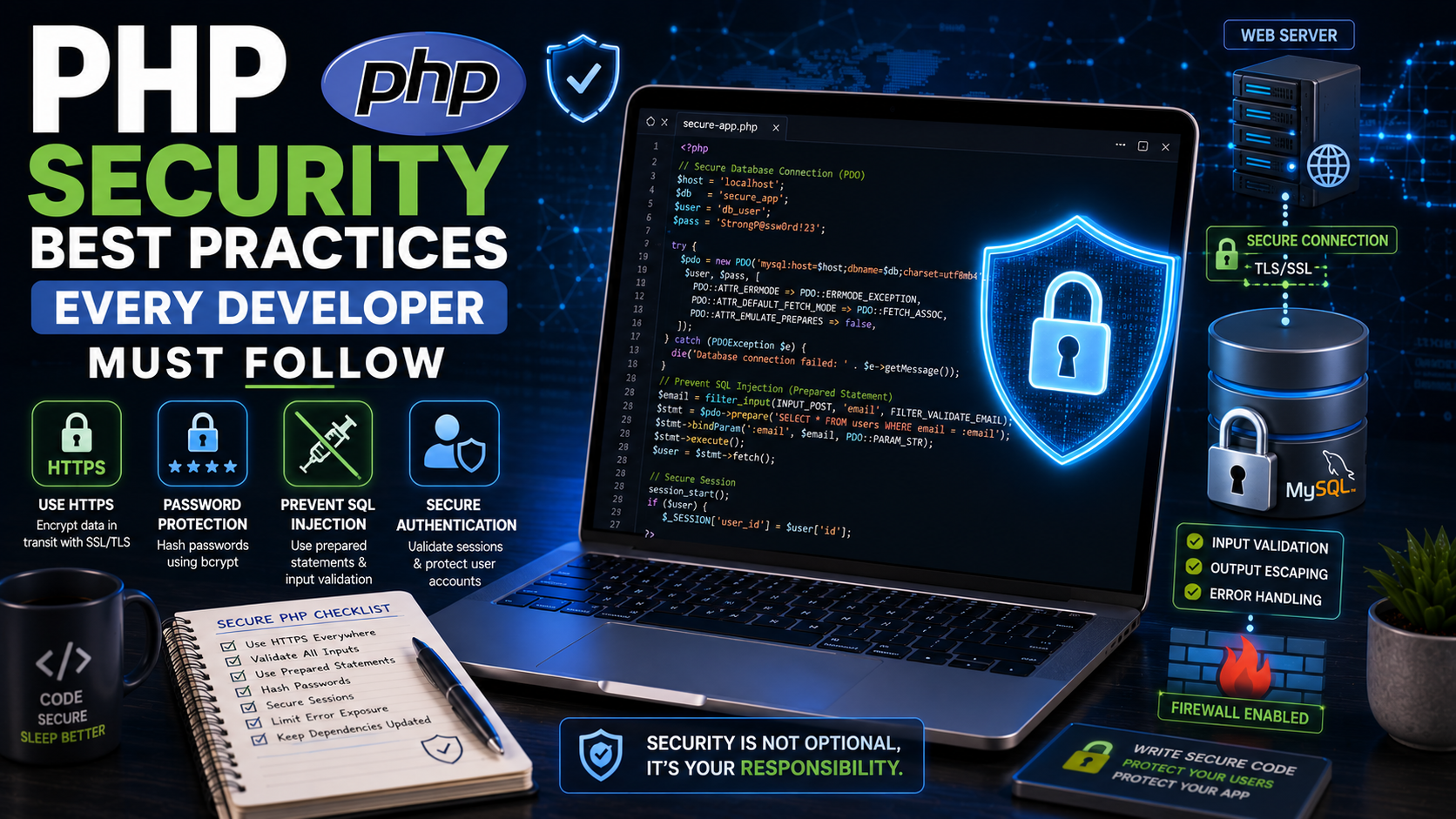
PHP Security Best Practices Every Developer Must Follow
Security is one of the most important aspects of web development. A beautiful website with powerful features can still fail if it is vulnerable to attacks. Every year, thousands of websites are compromised because developers overlook basic security principles.
PHP is a powerful server-side language, but like any programming language, applications built with PHP must be designed with security in mind. Fortunately, many common attacks can be prevented by following established best practices.
This guide explains the most important PHP security practices every developer should understand before deploying a web application.
Why PHP Security Matters ?
A secure application protects:
User accounts
Passwords
Personal information
Payment details
Business data
Website reputation
Ignoring security can lead to:
Data theft, Website defacement, financial losses, Search engine penalties, Loss of customer trust
Building security into your application from the beginning is far easier than fixing vulnerabilities later.
1. Validate All User Input
Never assume user input is safe.
Example:
$name = trim($_POST["name"]);
Check that submitted data:
Has the expected format.
Is within the allowed length.
Contains only valid characters.
Meets your application's requirements.
Always validate both client-side and server-side, because client-side validation can be bypassed.
2. Sanitize Output
When displaying user-submitted content, convert special characters into safe HTML.
Example:
echo htmlspecialchars($comment, ENT_QUOTES, "UTF-8");
This helps prevent malicious scripts from being executed in the browser.
3. Use Prepared Statements
SQL Injection is one of the most common web application attacks.
Unsafe code:
$sql = "SELECT * FROM users WHERE email='$email'";
Secure code:
$stmt = $conn->prepare(
"SELECT * FROM users WHERE email=?"
);
$stmt->bind_param("s", $email);
$stmt->execute();
Prepared statements keep SQL commands separate from user input, greatly reducing the risk of SQL injection.
4. Hash Passwords
Never store passwords as plain text.
Incorrect:
$password = "mypassword";
Correct:
$hash = password_hash($password, PASSWORD_DEFAULT);
To verify a login:
if (password_verify($password, $hash)) {
echo "Login successful";
}
PHP automatically uses strong hashing algorithms through password_hash().
5. Protect Against Cross-Site Scripting (XSS)
XSS occurs when attackers inject malicious JavaScript into webpages viewed by other users.
Example of a dangerous comment:
<script>alert("Hacked!")</script>
Displaying user-generated content with htmlspecialchars() helps prevent this attack.
6. Protect Against Cross-Site Request Forgery (CSRF)
A CSRF attack tricks an authenticated user into submitting an unwanted request.
A common defense is to include a unique CSRF token in forms.
Example:
$_SESSION["csrf_token"] = bin2hex(random_bytes(32));
Verify the submitted token before processing the request.
7. Secure File Uploads
File uploads can introduce serious security risks.
Before accepting uploads:
Restrict allowed file types.
Check MIME types.
Limit file size.
Rename uploaded files.
Store uploads outside the public web directory when possible.
Never rely solely on the file extension.
8. Manage Sessions Securely
Sessions identify logged-in users.
Recommended practices:
Regenerate the session ID after login.
session_regenerate_id(true);
Destroy sessions on logout.
Set appropriate cookie options.
Use HTTPS to protect session cookies.
These measures reduce the risk of session hijacking.
9. Keep Error Messages Private
Avoid displaying detailed database or server errors to visitors.
Instead of:
Database connection failed:
Access denied for user root...
Display:
An unexpected error occurred.
Log the detailed error on the server for developers to review.
10. Keep PHP Updated
Always use a supported PHP version
Benefits include:
Security patches
Performance improvements
Bug fixes
New language features
Running outdated software increases the likelihood of known vulnerabilities being exploited.
11. Use HTTPS
HTTPS encrypts data exchanged between the user's browser and your server.
Benefits include:
Secure logins
Protected personal information
Better user trust
Improved search engine ranking signals
Install an SSL/TLS certificate before launching your website.
12. Restrict File Permissions
Grant only the permissions your application actually needs.
Examples:
Avoid giving files write permissions unless necessary.
Protect configuration files.
Prevent unauthorized script execution.
The principle of least privilege helps minimize damage if an account is compromised.
13. Escape Database Output Carefully
Even data stored in your database may contain unexpected content.
Whenever you display user-generated information:
echo htmlspecialchars($username, ENT_QUOTES, "UTF-8");
This prevents stored malicious content from executing in users' browsers.
14. Use Strong Authentication
Improve account security by:
Requiring strong passwords.
Limiting repeated login attempts.
Supporting multi-factor authentication where appropriate.
Logging suspicious login activity.
These measures make unauthorized access significantly more difficult.
15. Back Up Your Application Regularly
Create routine backups of:
Databases
Uploaded files
Source code
Configuration files
Store backups securely and test your restoration process periodically.
Common PHP Security Mistakes
Avoid these common errors:
Trusting user input.
Using plain-text passwords.
Displaying raw database errors.
Skipping input validation.
Accepting unrestricted file uploads.
Ignoring software updates.
Using weak administrator passwords.
Security Checklist Before Deployment
Before publishing your website:
Validate all user input.
Escape output properly.
Use prepared statements.
Hash passwords.
Enable HTTPS.
Protect forms with CSRF tokens.
Secure uploaded files.
Keep PHP and dependencies updated.
Review file permissions.
Test your application for vulnerabilities.
Practical Mini Project
Create a Secure User Registration System that includes:
Registration form validation.
Password hashing.
Secure login.
CSRF protection.
Prepared statements.
Session management.
Logout functionality.
This project provides practical experience applying multiple security techniques together.
Helpful Tools
Useful tools for secure PHP development include:
Visual Studio Code
Composer
PHPStan
Psalm
Git
GitHub
phpMyAdmin
XAMPP or Laragon
Static analysis tools can help detect potential issues before deployment.
Frequently Asked Questions
Is PHP insecure?
No. Modern PHP is a secure language when developers follow recommended security practices. Most vulnerabilities arise from insecure application code rather than the language itself.
Should beginners learn security early?
Yes. Learning secure coding habits from the beginning helps prevent vulnerabilities and reduces costly mistakes later.
Are prepared statements enough to stop all attacks?
No. Prepared statements protect against SQL injection, but you also need measures such as input validation, output escaping, CSRF protection, secure authentication, and proper session management.
Conclusion
Security should never be treated as an afterthought. Every PHP application—whether it's a personal blog or a large business platform—should be built with secure coding practices from the start.
By validating input, escaping output, using prepared statements, hashing passwords, protecting sessions, securing file uploads, and keeping your software updated, you can greatly reduce the risk of common attacks and build applications that users can trust.
References
OWASP Foundation. (n.d.). Cross site scripting prevention cheat sheet. OWASP Cheat Sheet Series.
OWASP Foundation. (n.d.). Database security cheat sheet. OWASP Cheat Sheet Series.
OWASP Foundation. (n.d.). Injection prevention cheat sheet. OWASP Cheat Sheet Series.
OWASP Foundation. (n.d.). Secure coding practices—Quick reference guide.
OWASP Foundation. (n.d.). SQL injection prevention cheat sheet. OWASP Cheat Sheet Series.
PHP Documentation Group. (n.d.). Password hashing. PHP Manual.
PHP Documentation Group. (n.d.). PHP manual. PHP.net.
PHP Documentation Group. (n.d.). PDO—PHP data objects. PHP Manual.
PHP Documentation Group. (n.d.). PDO::prepare. PHP Manual.
PHP Documentation Group. (n.d.). Session security. PHP Manual.
World Wide Web Consortium. (n.d.). Content Security Policy. W3C Web Security.