MySQL Basics: Creating and Managing Databases
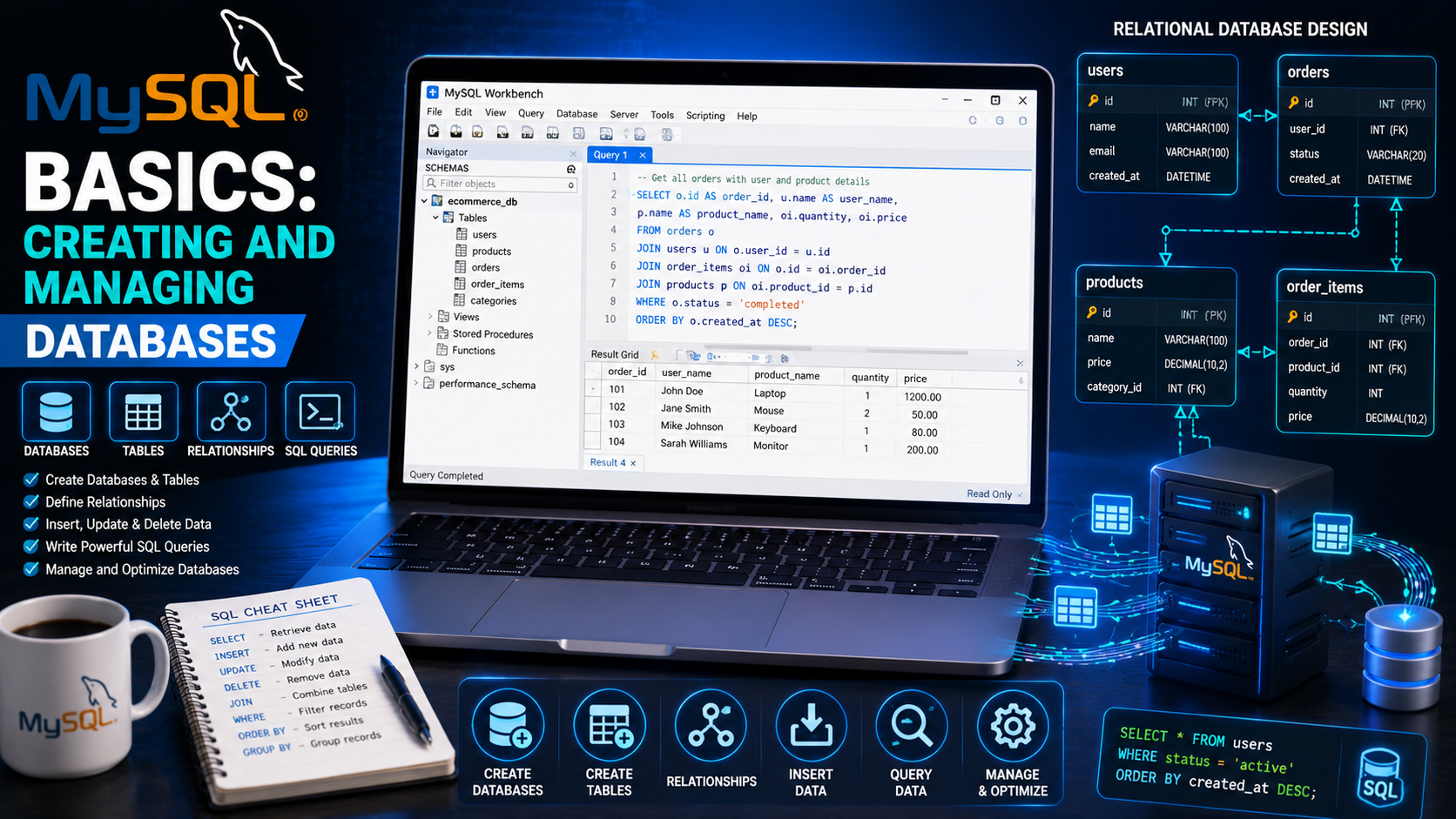
MySQL Basics: Creating and Managing Databases
Almost every modern website depends on a database to store information. Whether you're building a blog, an e-commerce website, a school management system, or a social networking platform, you'll need a reliable way to store and retrieve data.
MySQL is one of the world's most popular relational database management systems (RDBMS). It is trusted by businesses, developers, and organizations because it is fast, reliable, scalable, and free to use.
In this guide, you'll learn the fundamentals of MySQL, including how to create databases, manage tables, perform CRUD operations, and follow best practices for database design.
What Is MySQL?
MySQL is an open-source Relational Database Management System (RDBMS) that stores data in structured tables made up of rows and columns.
Unlike spreadsheets, MySQL allows multiple users and applications to access and manage data efficiently.
MySQL is commonly used for:
Blogs
Online stores
School management systems
Banking applications
Inventory systems
Hospital management software
Customer relationship management (CRM) systems
Why Learn MySQL?
Learning MySQL offers many advantages:
Easy to learn
High performance
Free and open source
Supported by most web hosting providers
Excellent integration with PHP, Python, Java, and Node.js
Handles both small and large applications
Database knowledge is an essential skill for every backend web developer.
Installing MySQL
The easiest way to start is by installing one of these development environments:
XAMPP
Laragon
WAMP
MAMP
These packages include:
Apache Web Server
PHP
MySQL (or MariaDB)
phpMyAdmin
You can also install MySQL Server and MySQL Workbench separately for a more professional development setup.
Understanding Databases and Tables
Think of a database as a filing cabinet.
Inside the cabinet are tables.
Each table contains:
- Rows (records)
- Columns (fields)
Example:
Database: school_db
Table: students
ID Full Name Email Course
1 John Doe john@example.com Computer Science
2 Mary James mary@example.com Software Engineering
Creating a Database
Use the following SQL command:
CREATE DATABASE school_db;
To verify it exists:
SHOW DATABASES;
Selecting a Database
Before creating tables, tell MySQL which database to use.
USE school_db;
Creating a Table
Create a table to store student information.
CREATE TABLE students (id INT AUTO_INCREMENT PRIMARY KEY,fullname VARCHAR(100),email VARCHAR(150), course VARCHAR(100),created_at TIMESTAMP DEFAULT CURRENT_TIMESTAMP );
Explanation:
INT stores whole numbers.
VARCHAR stores text.
AUTO_INCREMENT generates unique IDs automatically. PRIMARY KEY uniquely identifies each record.
TIMESTAMP records when each row is created.
Viewing Tables
To display all tables in the selected database:
SHOW TABLES;
To view a table's structure:
DESCRIBE students;
This displays each column, its data type, and constraints.
Inserting Data
Add a student record:
INSERT INTO students (fullname,email,course) VALUES('John Doe','john@example.com','Computer Science');
The new record is stored immediately.
Retrieving Data
Display all records:
SELECT * FROM students;
Display only names:
SELECT fullname FROM students;
Display multiple columns:
SELECT fullname,email FROM students;
Filtering Records
Find a specific student:
SELECT * FROM students WHERE fullname ='Dike Chris';
Find students studying Software Engineering:
SELECT * FROM students WHERE course='Software Engineering';
Sorting Data
Display students alphabetically:
SELECT * FROM students ORDER BY fullname ASC;
Newest students first:
SELECT * FROM students ORDER BY id DESC;
Updating Records
Change a student's course:
UPDATE students SET course='Cybersecurity' WHERE id=1;
Always include a WHERE clause unless you intend to update every row.
Deleting Records
Remove one student:
DELETE FROM students WHERE id=2;
Without a WHERE clause, every record in the table will be deleted.
Understanding CRUD Operations
Every database application performs four basic operations:
Operation Description
Create Insert new records
Read Retrieve records
Update Modify existing records
Delete Remove records
These operations are collectively known as CRUD.
Primary Keys
A primary key uniquely identifies each row.
Example:
id INT AUTO_INCREMENT PRIMARY KEY
Benefits include:
Preventing duplicate records , Improving search performance , Supporting relationships between tables
Every table should have a primary key.
Foreign Keys
Foreign keys connect related tables.
Example:
students
ID Name
1 John
courses
Student_ID Course
1 Computer Science
Example SQL:
ALTER TABLE courses
ADD CONSTRAINT fk_student
FOREIGN KEY(student_id)
REFERENCES students(id);
Foreign keys help maintain data integrity.
Database Relationships
MySQL supports several relationship types:
- One-to-One
- One user has one profile.
- One-to-Many
One teacher teaches many students.
- Many-to-Many
Many students enroll in many courses.
Understanding relationships is essential for designing efficient databases.
Backing Up Databases
Regular backups protect your data.
Using phpMyAdmin:
- Select the database.
- Click Export.
- Choose Quick Export.
- Download the SQL file.
Always keep backups before making major changes.
Common Beginner Mistakes
Avoid these mistakes:
- Forgetting to select the database with USE.
- Creating tables without primary keys.
- Using incorrect data types.
- Forgetting the WHERE clause in UPDATE or DELETE.
- Storing duplicate data unnecessarily.
- Ignoring backups.
Best Practices
Professional database developers typically:
- Use meaningful table names.
- Choose appropriate data types.
- Normalize data to reduce duplication.
- Add indexes where needed.
- Back up databases regularly.
- Restrict database permissions.
- Document the database structure.
- Test queries before running them in production.
Practical Mini Project
Create a Library Management Database with the following tables:
- Books
- Authors
- Members
- Borrowed Books
Practice:
Creating databases
Creating tables
Inserting records
Updating records
Deleting records
Joining related tables
This project provides hands-on experience with real-world database design.
Helpful Tools
Useful tools for MySQL development include:
- MySQL Workbench
- phpMyAdmin
- Visual Studio Code
- XAMPP
- Laragon
- Git
- GitHub
These tools simplify database management and application development.
Frequently Asked Questions
Is MySQL free?
Yes. The MySQL Community Edition is free and open source.
What is the difference between MySQL and SQL?
SQL (Structured Query Language) is the language used to communicate with relational databases. MySQL is a database management system that uses SQL.
Is MySQL difficult to learn?
No. Beginners can quickly learn the basics by practicing database creation, table management, and CRUD operations with small projects.
Conclusion
MySQL is a foundational technology for backend web development. Understanding how to create databases, design tables, manage relationships, and perform CRUD operations will enable you to build powerful, data-driven applications.
As you become more comfortable with MySQL, explore advanced topics such as joins, indexes, stored procedures, views, transactions, and query optimization. Combined with PHP, JavaScript, and HTML, MySQL provides the foundation for building professional web applications.