JavaScript ES6 Features Every Developer Should Learn
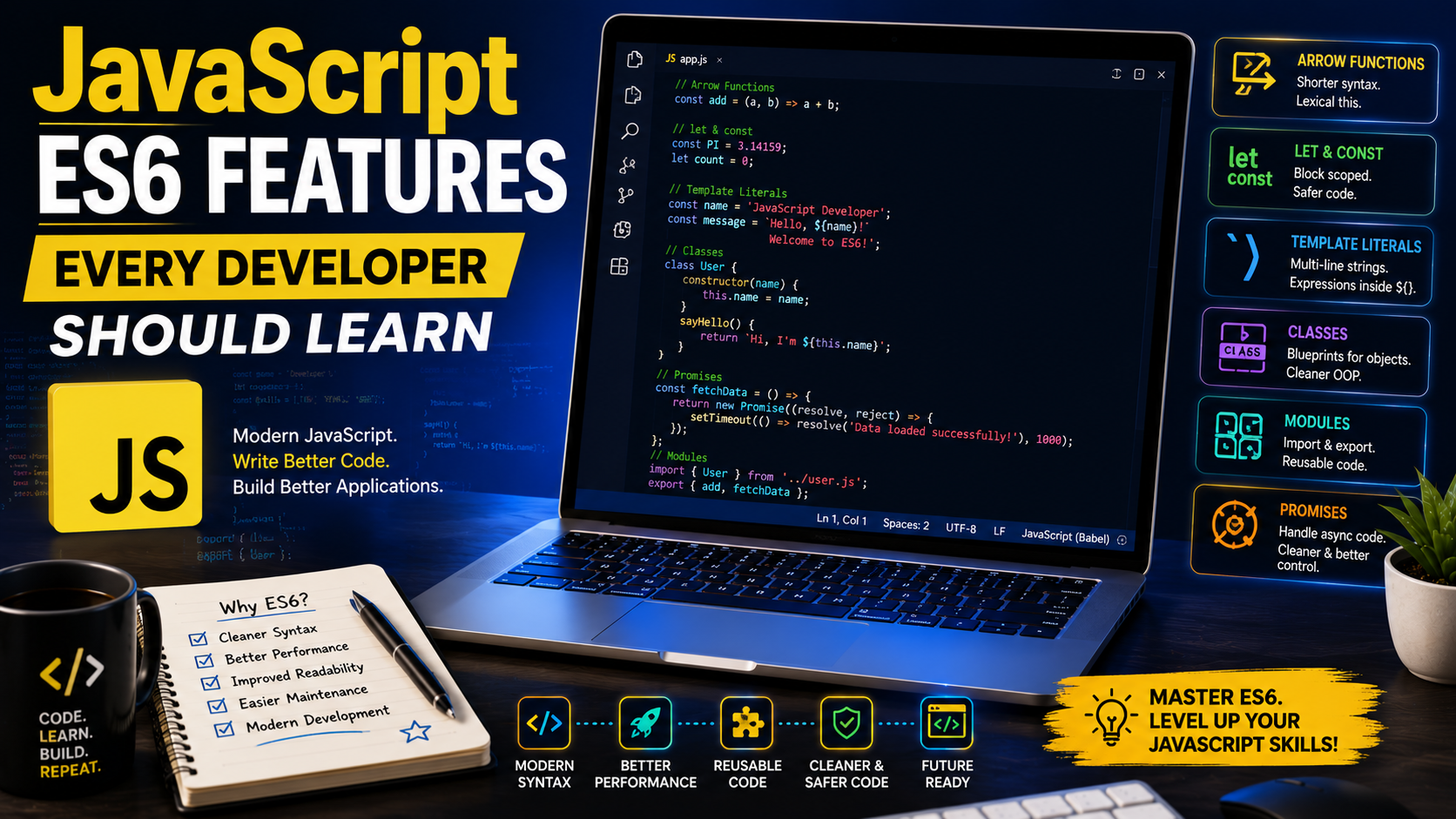
JavaScript ES6 Features Every Developer Should Learn
JavaScript has evolved significantly over the years, and one of the biggest milestones was the release of ECMAScript 2015 (ES6). ES6 introduced powerful features that made JavaScript cleaner, easier to read, and more efficient.
Today, almost every modern JavaScript project uses ES6 syntax. Whether you're building websites, mobile apps, or server-side applications, understanding ES6 is essential.
In this guide, you'll learn the most important ES6 features with practical examples that every developer should know.
What Is ES6?
ES6, also known as ECMAScript 2015, is a major update to the JavaScript language. It introduced many new features that simplified coding and improved developer productivity.
Some of the most popular features include:
- let and const
- Arrow functions
- Template literals
- Destructuring
- Default parameters
- Spread and Rest operators
- Classes
- Modules
- Promises
Modern browsers support these features, making them standard tools for JavaScript developers.
1. let and const
Before ES6, developers mainly used var to declare variables. ES6 introduced let and const, which provide better control over variable scope.
Example:
let age = 25;
const country = "Nigeria";
age = 26; // Allowed
// country = "Ghana"; // Error
When to Use Them
Use let when a variable's value will change.
Use const when the value should remain constant.
Using const by default helps prevent accidental changes.
2. Arrow Functions
Arrow functions provide a shorter and cleaner way to write functions.
Traditional function:
function greet(name) {
return "Hello " + name;
}
Arrow function:
const greet = (name) => {
return `Hello ${name}`;
};
Short version:
const greet = name => `Hello ${name}`;
Arrow functions are widely used in modern JavaScript frameworks such as React.
3. Template Literals
Template literals make it easier to combine strings and variables.
Before ES6:
let name = "John";
console.log("Welcome " + name);
Using ES6:
let name = "John";
console.log (`Welcome ${name}`);
They also support multiple lines without special characters.
let message = `
Welcome to my website.
Enjoy your stay.
4. Default Parameters
You can assign default values to function parameters.
function welcome(name = "Guest") {
return `Hello ${name}`;
}
console.log(welcome());
Output:
Hello Guest
This reduces the need for extra conditional statements.
5. Destructuring
Destructuring extracts values from arrays and objects.
Array example:
const colors = ["Red", "Blue", "Green"];
const [first, second] = colors;
console.log(first);
Output:
Red
Object example:
const user = {
name: "Mary",
age: 28
};
const { name, age } = user;
Destructuring improves readability and reduces repetitive code.
6. Spread Operator (...)
The spread operator expands arrays or objects.
Example:
const numbers = [1,2,3];
const newNumbers = [...numbers,4,5];
console.log(newNumbers);
Output:
[1,2,3,4,5]
The spread operator is commonly used to copy arrays and merge objects.
7. Rest Parameters
Rest parameters collect multiple values into a single array.
function total(...numbers){
return numbers.reduce((sum,num)=>sum+num,0);
}
console.log(total(10,20,30));
Output:
60
This feature makes functions more flexible.
8. Classes
ES6 introduced a cleaner syntax for creating objects.
class Student{
constructor(name){
this.name=name;
}
greet(){
return `Welcome ${this.name}`;
}
}
const student=new Student("David");
console.log(student.greet());
Classes simplify object-oriented programming.
9. Modules
Modules help organize JavaScript into separate files.
Export:
export function add(a,b){
return a+b;
}
Import:
import { add } from "./math.js";
Modules improve code organization, especially in large applications.
10. Promises
Promises handle asynchronous operations more effectively.
let promise = new Promise((resolve,reject)=>{
resolve("Success");
});
promise.then(result=>{
console.log(result);
});
Promises are commonly used for:
- API requests
- File uploads
- Database operations
- Network communication
- Why ES6 Matters
Learning ES6 provides many benefits:
- Cleaner code
- Better readability
- Improved performance
- Easier debugging
- Modern development practices
- Compatibility with popular frameworks
Nearly every JavaScript job today expects developers to understand ES6 syntax.
Common Beginner Mistakes
Avoid these mistakes:
- Using var instead of let or const.
- Forgetting that const values cannot be reassigned.
- Misusing arrow functions with this keyword.
- Confusing the spread and rest operators.
- Forgetting to export or import modules correctly.
- Practice with small projects to build confidence.
Best Practices
Prefer const whenever possible.
Use meaningful variable and function names.
Keep functions short and focused.
Organize code into reusable modules.
Write comments only when they improve understanding.
Test your code frequently.
Use consistent formatting throughout your project.
Practical Mini Project
Try creating a simple Student Management App using ES6 features:
Use a class to represent each student.
Store students in an array.
Use the spread operator to add new students.
Use template literals to display information.
Use arrow functions for event handling.
Separate your code into modules.
This project reinforces several ES6 concepts in one application.
Frequently Asked Questions
Is ES6 supported by all browsers?
All modern browsers support ES6. Older browsers may require transpilation tools such as Babel for compatibility.
Should beginners learn ES6 first?
Yes. Modern JavaScript development relies heavily on ES6, so beginners should become familiar with its syntax from the start.
Is ES6 different from JavaScript?
No. ES6 is a version of JavaScript that introduced many new language features and improvements.
Conclusion
ES6 transformed JavaScript into a more powerful, readable, and developer-friendly language. Features such as let, const, arrow functions, template literals, destructuring, modules, and promises have become essential parts of modern web development.
As you continue learning, apply these concepts in real projects like to-do lists, weather applications, calculators, and blog websites. Practical experience is the best way to master ES6 and prepare for advanced JavaScript frameworks
References — APA 7th Edition
ECMA International. (2015). ECMAScript 2015 language specification. https://262.ecma-international.org/6.0/
ECMA International. (2024). ECMAScript® 2024 language specification. https://tc39.es/ecma262/
Haverbeke, M. (2018). Eloquent JavaScript: A modern introduction to programming (3rd ed.). No Starch Press. https://eloquentjavascript.net/
Mozilla Developer Network. (n.d.). Arrow function expressions. MDN Web Docs. https://developer.mozilla.org/en-US/docs/Web/JavaScript/Reference/Functions/Arrow_functions
Mozilla Developer Network. (n.d.). Classes. MDN Web Docs. https://developer.mozilla.org/en-US/docs/Web/JavaScript/Reference/Classes
Mozilla Developer Network. (n.d.). JavaScript language overview. MDN Web Docs. https://developer.mozilla.org/en-US/docs/Web/JavaScript/Guide/Language_overview
Mozilla Developer Network. (n.d.). JavaScript modules. MDN Web Docs. https://developer.mozilla.org/en-US/docs/Web/JavaScript/Guide/Modules
Mozilla Developer Network. (n.d.). let. MDN Web Docs. https://developer.mozilla.org/en-US/docs/Web/JavaScript/Reference/Statements/let
Mozilla Developer Network. (n.d.). const. MDN Web Docs. https://developer.mozilla.org/en-US/docs/Web/JavaScript/Reference/Statements/const
Mozilla Developer Network. (n.d.). Template literals (Template strings). MDN Web Docs. https://developer.mozilla.org/en-US/docs/Web/JavaScript/Reference/Template_literals
Mozilla Developer Network. (n.d.). Using promises. MDN Web Docs. https://developer.mozilla.org/en-US/docs/Web/JavaScript/Guide/Using_promises
Rauschmayer, A. (2020). JavaScript for impatient programmers. Exploring JS. https://exploringjs.com/impatient-js/