JavaScript Basics: A Complete Beginner's Tutorial
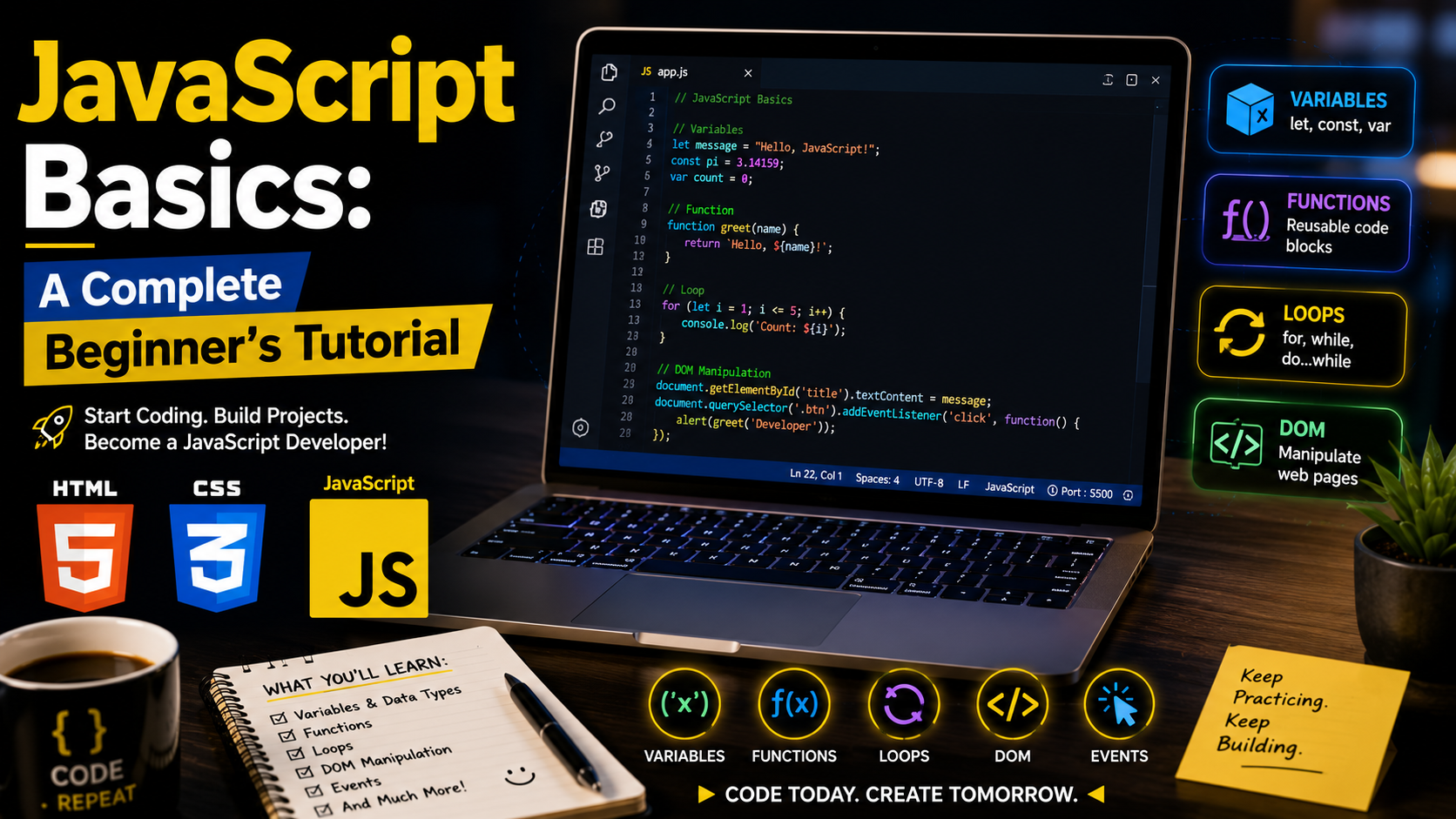
JavaScript Basics: A Complete Beginner's Tutorial
If HTML is the structure of a website and CSS controls its appearance, then JavaScript is what makes a website interactive. From dropdown menus and image sliders to online calculators and shopping carts, JavaScript powers many of the features’ users interact with every day.
Whether you want to become a front-end developer, full-stack developer, or software engineer, JavaScript is one of the most valuable programming languages you can learn.
In this guide, you'll discover the fundamentals of JavaScript through simple explanations and practical examples.
What Is JavaScript?
JavaScript is a high-level programming language used to create interactive and dynamic web pages. It runs directly in modern web browsers and is also widely used on servers, mobile applications, and desktop software.
JavaScript allows you to:
Respond to user actions such as clicks and keyboard input.
Update webpage content without reloading the page.
Validate forms before submission.
Create animations and interactive effects.
Communicate with servers to load data dynamically.
Why Learn JavaScript?
JavaScript is one of the most widely used programming languages in the world because it:
Works in every modern browser.
Is beginner-friendly.
Has a large developer community.
Powers many popular websites and web applications.
Can be used for front-end and back-end development.
Learning JavaScript also prepares you to work with popular frameworks and libraries such as React, Angular, Vue, and Node.js.
How to Add JavaScript to a Web Page
You can include JavaScript in three ways.
1. Inline JavaScript
<button onclick="alert('Welcome!')">Click Me</button>
2. Internal JavaScript
<script>
alert("Welcome to JavaScript!");
</script>
3. External JavaScript (Recommended)
HTML:
<script src="script.js"></script>
script.js
console.log("Hello, JavaScript!");
Using external files keeps your code organized and easier to maintain.
Variables
Variables store information that your program can use later.
let name = "Christian";
let age = 30;
const country = "Nigeria";
let is used for values that can change.
const is used for values that should remain constant.
Data Types
JavaScript supports several common data types.
let name = "John"; // String
let age = 25; // Number
let active = true; // Boolean
let items = ["HTML", "CSS", "JS"]; // Array
let person = {
firstName: "John",
lastName: "Doe"
}; // Object
Understanding data types helps you write more reliable programs.
Operators
Operators perform calculations and comparisons.
Arithmetic operators:
let total = 20 + 10;
let difference = 20 - 10;
let product = 20 * 10;
let quotient = 20 / 10;
Comparison operators:
10 > 5
10 == "10"
10 === 10
Use === whenever possible because it compares both value and data type.
Conditional Statements
Conditions allow your program to make decisions.
let age = 20;
if (age >= 18) {
console.log("You are an adult.");
} else {
console.log("You are a minor.");
}
Loops
Loops repeat a block of code multiple times.
Example:
for (let i = 1; i <= 5; i++) {
console.log(i);
}
Other commonly used loops include:
while
do...while
for...of
for...in
Functions
Functions allow you to reuse code.
function greet(name) {
return "Welcome " + name;
}
console.log(greet("Christian"));
Functions make programs easier to organize and maintain.
Arrays
Arrays store multiple values.
let languages = ["HTML", "CSS", "JavaScript"];
console.log(languages[0]);
Common array methods include:
push()
pop()
shift()
unshift()
map()
filter()
Objects
Objects store related information.
let student = {
name: "Mary",
age: 22,
course: "Computer Science"
};
console.log(student.name);
Objects are used extensively in JavaScript applications.
DOM Manipulation
The Document Object Model (DOM) allows JavaScript to interact with HTML.
HTML:
<p id="message">Welcome!</p>
JavaScript:
document.getElementById("message").textContent = "Hello World!";
This changes the paragraph text after the page loads.
Events
Events occur when users interact with a webpage.
Example:
<button id="btn">Click Me</button>
document.getElementById("btn").addEventListener("click", function () {
alert("Button clicked!");
});
Common events include:
click
submit
change
mouseover
keydown
Console Logging
The browser console helps developers debug applications.
console.log("Debugging JavaScript");
Use the browser's Developer Tools to view console output and troubleshoot errors.
Common Beginner Mistakes
Avoid these common errors:
Forgetting semicolons where required by your coding style.
Misspelling variable names.
Using = instead of === in comparisons.
Declaring variables without let or const.
Ignoring browser console errors.
Forgetting to link the JavaScript file correctly.
Best Practices
Follow these habits:
Use meaningful variable names.
Keep functions short and focused.
Comment complex logic when necessary.
Organize code into separate files.
Use const whenever values do not change.
Test your code regularly.
Format your code consistently.
Helpful Tools
These tools make JavaScript development easier:
Visual Studio Code
Chrome Developer Tools
Firefox Developer Tools
Live Server Extension
Node.js
Git and GitHub
Frequently Asked Questions
Is JavaScript difficult to learn?
No. Beginners can quickly learn the fundamentals with regular practice, although mastering advanced topics takes time.
Can JavaScript be used without HTML?
Yes. JavaScript is also used for server-side development, mobile applications, desktop software, and automation.
Is JavaScript the same as Java?
No. Despite the similar names, JavaScript and Java are different programming languages with different purposes.
Conclusion
JavaScript is the language that brings websites to life. By learning variables, data types, functions, loops, events, and DOM manipulation, you'll gain the skills needed to build interactive web applications.
As you continue your learning journey, practice by creating simple projects such as calculators, to-do lists, image galleries, and form validators. Real-world practice is the fastest way to become a confident JavaScript developer.
References
Duckett, J. (2024). JavaScript and jQuery: Interactive front-end web development (2nd ed.). John Wiley & Sons.
Flanagan, D. (2025). JavaScript: The definitive guide (8th ed.). O'Reilly Media.
Freeman, E., & Robson, E. (2024). Head first JavaScript programming (2nd ed.). O'Reilly Media.
Haverbeke, M. (2024). Eloquent JavaScript (4th ed.). No Starch Press.
Mozilla Developer Network. (n.d.). JavaScript. https://developer.mozilla.org/en-US/docs/Web/JavaScript
Mozilla Developer Network. (n.d.). JavaScript Guide. https://developer.mozilla.org/en-US/docs/Web/JavaScript/Guide
Mozilla Developer Network. (n.d.). Introduction to JavaScript. https://developer.mozilla.org/en-US/docs/Web/JavaScript/Guide/Introduction
ECMA International. (2024). ECMAScript® 2024 language specification. https://tc39.es/ecma262/
Rauschmayer, A. (2023). JavaScript for impatient programmers. Leanpub. https://exploringjs.com/impatient-js/
World Wide Web Consortium. (2024). DOM—Document Object Model (DOM). https://www.w3.org/DOM/