Getting Started with PHP 8 for Beginners
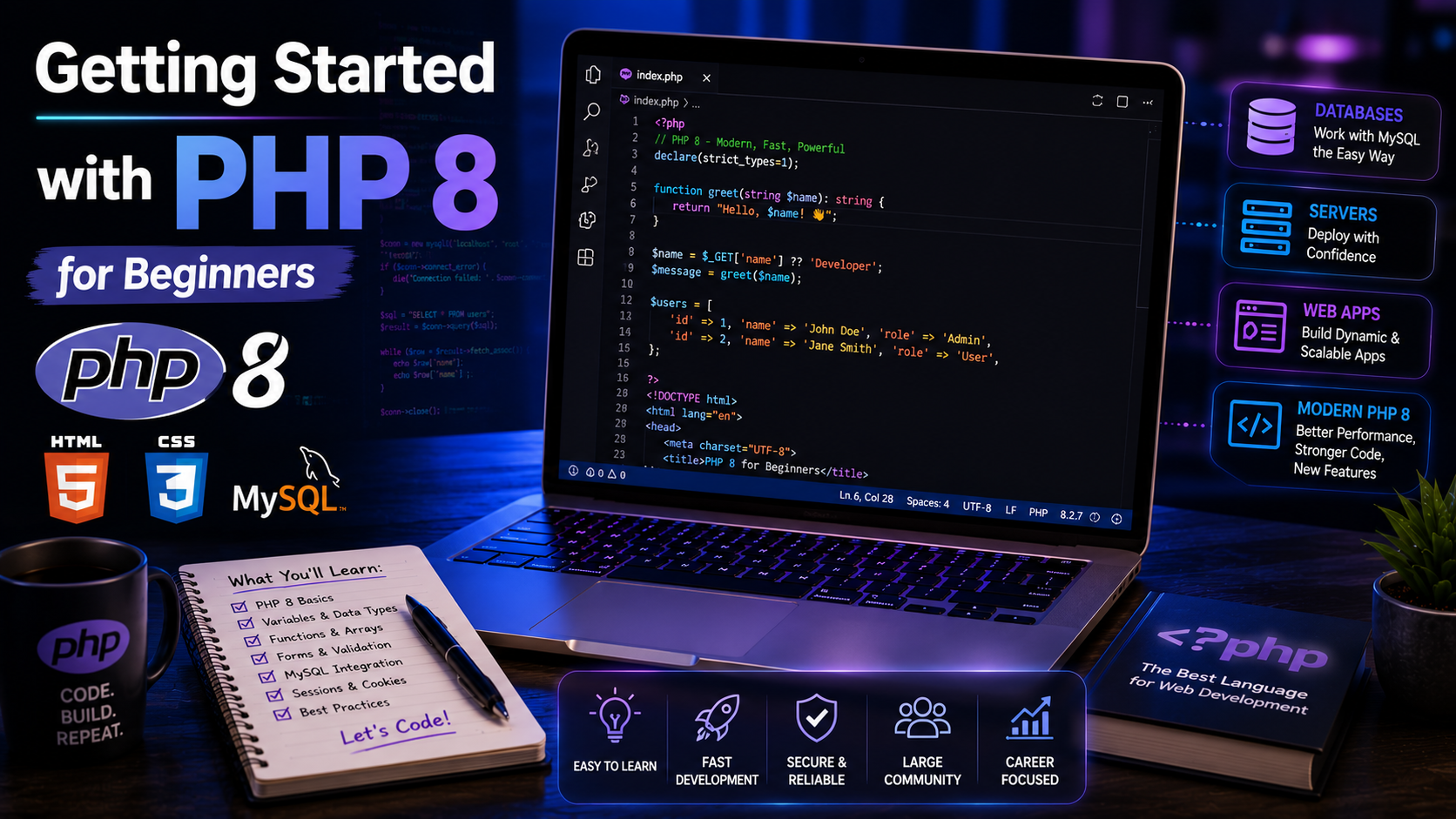
Getting Started with PHP 8 for Beginners
PHP is one of the world's most popular server-side programming languages. Millions of websites—including content management systems, e-commerce stores, business applications, and custom web platforms—are powered by PHP.
If you already know HTML and CSS, learning PHP is the next step toward creating dynamic websites that can process forms, interact with databases, manage users, and generate content automatically.
In this guide, you'll learn the fundamentals of PHP 8 with practical examples designed for beginners.
What Is PHP?
PHP stands for PHP: Hypertext Preprocessor. It is an open-source server-side scripting language used to build dynamic web applications.
Unlike HTML, which is processed by the browser, PHP runs on the web server. The server executes the PHP code and sends the resulting HTML to the user's browser.
PHP is commonly used for:
Dynamic websites
User authentication systems
Content management systems (CMS)
E-commerce websites
REST APIs
Database-driven applications
Why Learn PHP 8?
PHP 8 introduced significant improvements, making the language faster and more powerful.
Benefits include:
Improved performance
Better error handling
Modern syntax
Large community support
Excellent database integration
Wide hosting support
Easy to learn
Many popular platforms and frameworks rely on PHP, making it a valuable skill for web developers.
Installing PHP
To begin developing with PHP, install a local development environment such as:
XAMPP
WAMP (Windows)
MAMP (macOS)
Laragon (Windows)
These packages include:
PHP
Apache Web Server
MySQL or MariaDB
phpMyAdmin
After installation, place your PHP projects inside the web server's document root (for example, the htdocs folder in XAMPP).
Your First PHP Script
Create a file named:
index.php
Add the following code:
<?php
echo "Hello, World!";
?>
Open your browser and visit your local server. You should see:
Hello, World!
Congratulations! You've created your first PHP program.
PHP Syntax
Every PHP script begins with:
<?php
and optionally ends with:
?>
Everything between these tags is interpreted as PHP code.
Variables
Variables store data.
Example:
<?php
$name = "Christian";
$age = 30;
echo $name;
echo $age;
?>
Rules for variables:
Begin with $
Case-sensitive
Must start with a letter or underscore
Cannot begin with a number
Data Types
PHP supports several data types.
$name = "John"; // String
$age = 25; // Integer
$salary = 2500.75; // Float
$isAdmin = true; // Boolean
$colors = ["Red","Blue"]; // Array
Choosing the correct data type makes your code more reliable and easier to understand.
Outputting Data
PHP provides multiple ways to display information.
Using echo:
echo "Welcome!";
Using print:
print "Hello World";
echo is slightly more common and can output multiple strings.
Operators
Arithmetic operators:
$a = 20;
$b = 10;
echo $a + $b;
echo $a - $b;
echo $a * $b;
echo $a / $b;
Comparison operators:
$a == $b
$a === $b
$a != $b
$a > $b
$a < $b
Use === when you want to compare both value and type.
Conditional Statements
Example:
<?php
$age = 18;
if($age >= 18){
echo "You can vote.";
}else{
echo "You are underage.";
}
?>
PHP also supports:
elseif
switch
match (introduced in PHP 8)
Loops
For Loop
<?php
for($i=1;$i<=5;$i++){
echo $i."<br>";
}
?>
Foreach Loop
<?php
$languages = ["HTML","CSS","PHP"];
foreach($languages as $language){
echo $language."<br>";
}
?>
Loops allow you to process data efficiently.
Functions
Functions help organize reusable code.
<?php
function greet($name){
return "Welcome ".$name;
}
echo greet("Christian");
?>
Using functions keeps your applications organized and easier to maintain.
Arrays
Arrays store multiple values.
<?php
$skills = ["HTML","CSS","JavaScript","PHP"];
echo $skills[2];
?>
Output:
JavaScript
Associative Arrays
<?php
$user = [
"name"=>"John",
"age"=>30,
"country"=>"Nigeria"
];
echo $user["name"];
?>
Associative arrays are widely used when working with databases.
Working with Forms
HTML:
<form method="POST">
<input type="text" name="username">
<button type="submit">Submit</button>
</form>
PHP:
<?php
if(isset($_POST["username"])){
echo $_POST["username"];
} ?>
Always validate and sanitize user input before using it.
Connecting PHP to MySQL
Example:
<?php
$conn = new mysqli(
"localhost",
"root",
"",
"school_db"
);
if($conn->connect_error){
die("Connection failed");
}
echo "Connected successfully.";
?>
This creates a connection to a MySQL database.
Common Beginner Mistakes
Avoid these common errors:
Forgetting semicolons (;)
Misspelling variable names
Using incorrect file extensions (use .php, not .html)
Displaying raw database errors to users
Not validating form input
Mixing PHP and HTML without proper organization
Best Practices
Follow these habits:
Use meaningful variable names.
Keep functions small and focused.
Separate HTML, CSS, JavaScript, and PHP where appropriate.
Validate and sanitize all user input.
Use prepared statements for database queries.
Organize projects into folders.
Comment complex code.
Test regularly during development.
Practical Mini Project
Build a simple Student Registration System.
Features:
Student registration form
Form validation
Save records to MySQL
Display registered students
Edit and delete records
This project helps reinforce PHP fundamentals while introducing database interaction.
Helpful Tools
The following tools make PHP development easier:
Visual Studio Code
XAMPP
Laragon
phpMyAdmin
Git
GitHub
Composer
These tools streamline development, testing, and version control.
Frequently Asked Questions
Is PHP still worth learning in 2026?
Yes. PHP continues to power a large portion of the web and remains a strong choice for dynamic websites, business applications, and content management systems.
Can I learn PHP without JavaScript?
Yes, but understanding HTML and CSS first is recommended. Learning JavaScript alongside PHP allows you to build more interactive applications.
Is PHP difficult for beginners?
No. PHP has a straightforward syntax and integrates naturally with HTML, making it one of the easier server-side languages to learn.
Conclusion
PHP 8 is a powerful and beginner-friendly language for building dynamic websites and web applications. By mastering variables, data types, functions, loops, forms, and database connections, you'll have a strong foundation for creating real-world projects.
Continue practicing by building applications such as login systems, blogs, inventory systems, and school management platforms. Practical experience will help you become a confident PHP developer.