Building a Secure Login System Using PHP and MySQL
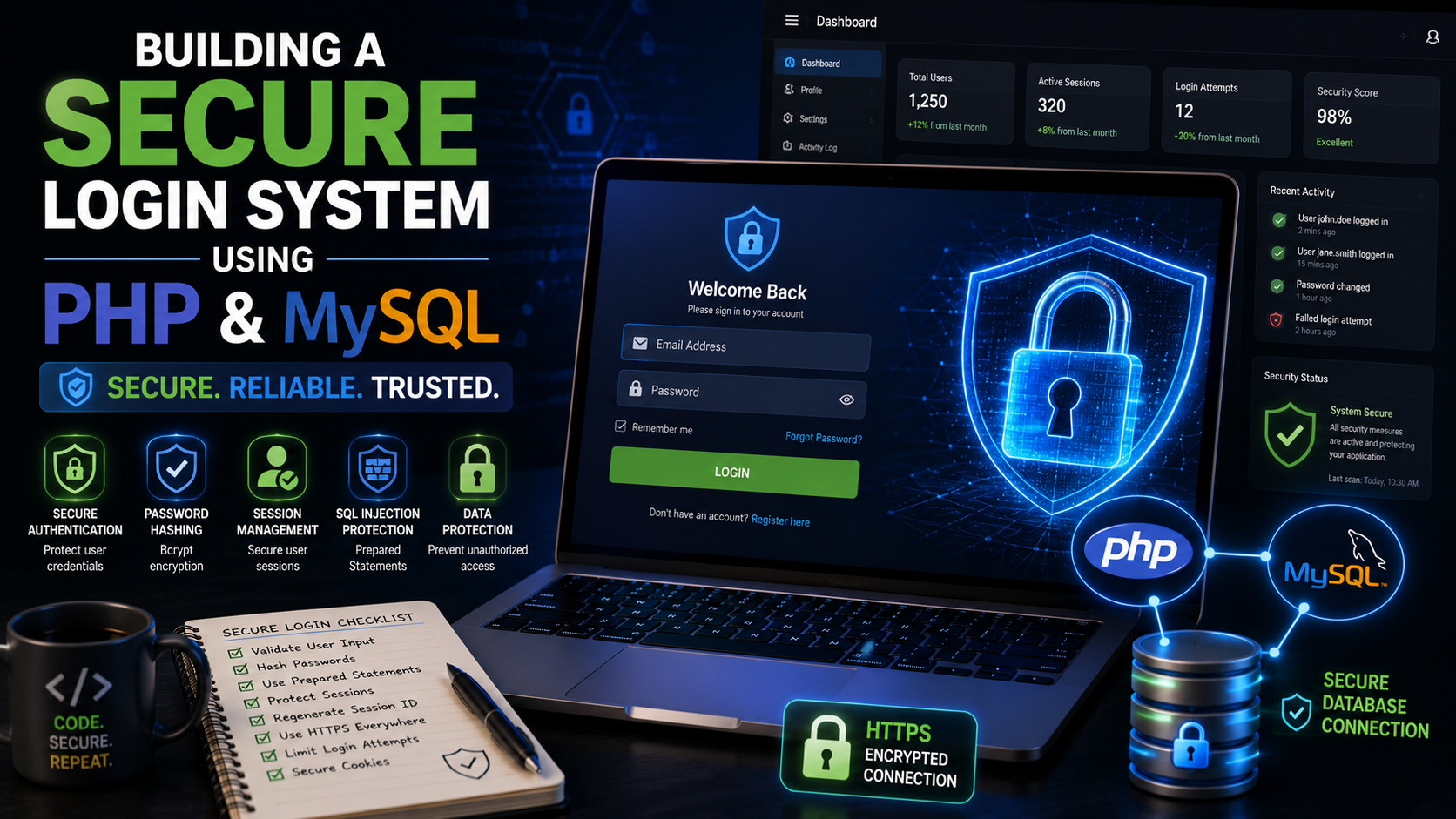
Building a Secure Login System Using PHP and MySQL
Almost every modern web application requires users to log in before accessing protected features. Whether you're building a blog, an online store, a school management system, or a business dashboard, a secure authentication system is essential.
A poorly designed login system can expose sensitive user data and allow attackers to gain unauthorized access. Fortunately, PHP and MySQL provide the tools needed to build a secure and reliable authentication system.
In this guide, you'll learn how to create a login system using modern PHP security practices.
What You'll Build
By the end of this tutorial, you'll have:
User registration
Secure login
Password hashing
Session management
Logout functionality
Protected dashboard
Secure database queries using prepared statements
Project Structure
Create the following project structure:
login-system/
│
├── config.php
├── register.php
├── login.php
├── dashboard.php
├── logout.php
├── auth.php
└── database.sql
Keeping files organized makes the project easier to maintain.
Step 1: Create the Database
Create a database named:
user_auth
Create the users table:
CREATE TABLE users (
id INT AUTO_INCREMENT PRIMARY KEY,
fullname VARCHAR(100),
email VARCHAR(150) UNIQUE,
password VARCHAR(255),
created_at TIMESTAMP DEFAULT CURRENT_TIMESTAMP
);
The password field uses 255 characters to store securely hashed passwords.
Step 2: Database Connection
Create config.php
<?php
$host = "localhost";
$user = "root";
$password = "";
$database = "user_auth";
$conn = new mysqli($host, $user, $password, $database);
if($conn->connect_error){
die("Connection Failed");
}
?>
This file connects every page to the database.
Step 3: User Registration Form
Create a simple HTML form:
<form method="POST">
<input
type="text"
name="fullname"
placeholder="Full Name"
required>
<input type="email" name="email" placeholder="Email Address" required>
<input type="password" name="password" placeholder="Password" required>
<button type="submit"> Register </button>
</form>
Step 4: Register Users Securely
Process the registration:
<?php
include "config.php";
$fullname = $_POST["fullname"];
$email = $_POST["email"];
$password = password_hash(
$_POST["password"],
PASSWORD_DEFAULT
);
$stmt = $conn->prepare("INSERT INTO users(fullname,email,password)VALUES(?,?,?)"
);
$stmt->bind_param("sss",$fullname,$email,$password);
$stmt->execute();
?>
Notice that:
Passwords are hashed.
Prepared statements protect against SQL injection.
Step 5: Create the Login Form
<form method="POST">
<input type="email" name="email" required >
<input type="password" name="password" required >
<button> Login </button>
</form>
Step 6: Verify Login Credentials
<?php
include "config.php";
$email = $_POST["email"];
$password = $_POST["password"];
$stmt = $conn->prepare("SELECT * FROM users WHERE email=?" );
$stmt->bind_param("s",$email);
$stmt->execute();
$result = $stmt->get_result();
$user = $result->fetch_assoc();
if($user &&password_verify($password,$user["password"])
){
session_start();
$_SESSION["user"] =$user["fullname"];
header("Location: dashboard.php");
}
?>
password_verify() compares the entered password with the stored hash.
Step 7: Protect the Dashboard
Create dashboard.php
<?php
session_start();
if(!isset($_SESSION["user"])){
header("Location: login.php");
exit;
}
?>
<h2> Welcome
<?php
echo $_SESSION["user"];
?>
</h2>
Only authenticated users can access this page.
Step 8: Create Logout.php
<?php
session_start();
session_destroy();
header("Location: login.php");
?>
Destroying the session logs the user out securely.
Step 9: Regenerate Session IDs
After successful login:
session_regenerate_id(true);
This reduces the risk of session fixation attacks.
Step 10: Validate User Input
Always validate submitted information.
Example:
$email = filter_input(INPUT_POST,"email",FILTER_VALIDATE_EMAIL);
Never trust raw user input.
Step 11: Display Friendly Error Messages
Avoid exposing internal system details.
Instead of:
Database Error: , Unknown column...
Display:
Invalid email or password.
Log detailed errors on the server instead of showing them to users.
Step 12: Add CSRF Protection
Generate a token:
$_SESSION["csrf"] = bin2hex(random_bytes(32));
Include it in your form:
<input type="hidden" name="csrf"value="<?= $_SESSION['csrf'] ?>">
Verify the token before processing the request.
Step 13: Limit Login Attempts
To reduce brute-force attacks:
Track failed login attempts.
Temporarily lock accounts after repeated failures.
Introduce delays between repeated login requests.
Consider CAPTCHA after multiple unsuccessful attempts.
These techniques make automated attacks much harder.
Step 14: Secure Password Requirements
Encourage users to create passwords that:
Are at least 8–12 characters long. Include uppercase and lowercase letters. Contain numbers.Include special characters. Are unique and not reused across websites.
Strong passwords significantly improve account security.
Common Beginner Mistakes
Avoid these common problems:
Storing plain-text passwords.
Writing SQL queries with user input directly.
Forgetting to start sessions.
Allowing direct access to protected pages.
Displaying database errors publicly.
Not validating form input.
Forgetting to regenerate session IDs after login.
Best Practices
Professional PHP developers typically:
Hash every password.
Use prepared statements.
Validate and sanitize user input.
Protect forms against CSRF.
Use HTTPS in production.
Log security-related events.
Keep PHP and dependencies updated.
Separate configuration files from application logic.
Practical Mini Project
Extend the authentication system by adding:
Email verification.
Password reset via email.
"Remember Me" functionality.
User profile editing.
Role-based access (Administrator and User).
Login history.
Account lockout after repeated failed logins.
These enhancements reflect features commonly found in real-world applications.
Helpful Tools
Useful tools for building PHP authentication systems include:
Visual Studio Code
XAMPP
Laragon
phpMyAdmin
Composer
Git
GitHub
These tools help with coding, local development, dependency management, and version control.
Frequently Asked Questions
Why shouldn't passwords be stored in plain text?
If the database is compromised, plain-text passwords become immediately visible. Hashing protects user credentials even if the database is stolen.
Why are prepared statements important?
Prepared statements separate SQL commands from user input, helping prevent SQL injection attacks.
Can I use sessions without cookies?
PHP sessions typically rely on cookies to identify users between requests. Alternative methods exist, but cookies are the standard and most secure approach when used with HTTPS and appropriate cookie settings.
Conclusion
A secure login system is the foundation of many web applications. By using password hashing, prepared statements, session management, CSRF protection, and proper input validation, you can build authentication systems that are significantly more resistant to common attacks.
As you gain experience, consider adding features such as two-factor authentication, email verification, password reset workflows, and role-based access control. These enhancements improve both security and user experience while preparing you to build production-ready PHP applications.
References
OWASP Foundation. (n.d.). Authentication cheat sheet. OWASP Cheat Sheet Series.
OWASP Foundation. (n.d.). Credential stuffing prevention cheat sheet. OWASP Cheat Sheet Series.
OWASP Foundation. (n.d.). Database security cheat sheet. OWASP Cheat Sheet Series.
OWASP Foundation. (n.d.). Password storage cheat sheet. OWASP Cheat Sheet Series.
OWASP Foundation. (n.d.). SQL injection prevention cheat sheet. OWASP Cheat Sheet Series.
OWASP Foundation. (n.d.). Secure coding practices—Quick reference guide.
PHP Documentation Group. (n.d.). password_hash. PHP Manual.
PHP Documentation Group. (n.d.). password_verify. PHP Manual.
PHP Documentation Group. (n.d.). PDO::prepare. PHP Manual.
PHP Documentation Group. (n.d.). PDO_MYSQL. PHP Manual.
PHP Documentation Group. (n.d.). Sessions. PHP Manual.
PHP Documentation Group. (n.d.). $_SESSION. PHP Manual.