15 JavaScript Tips to Write Cleaner Code
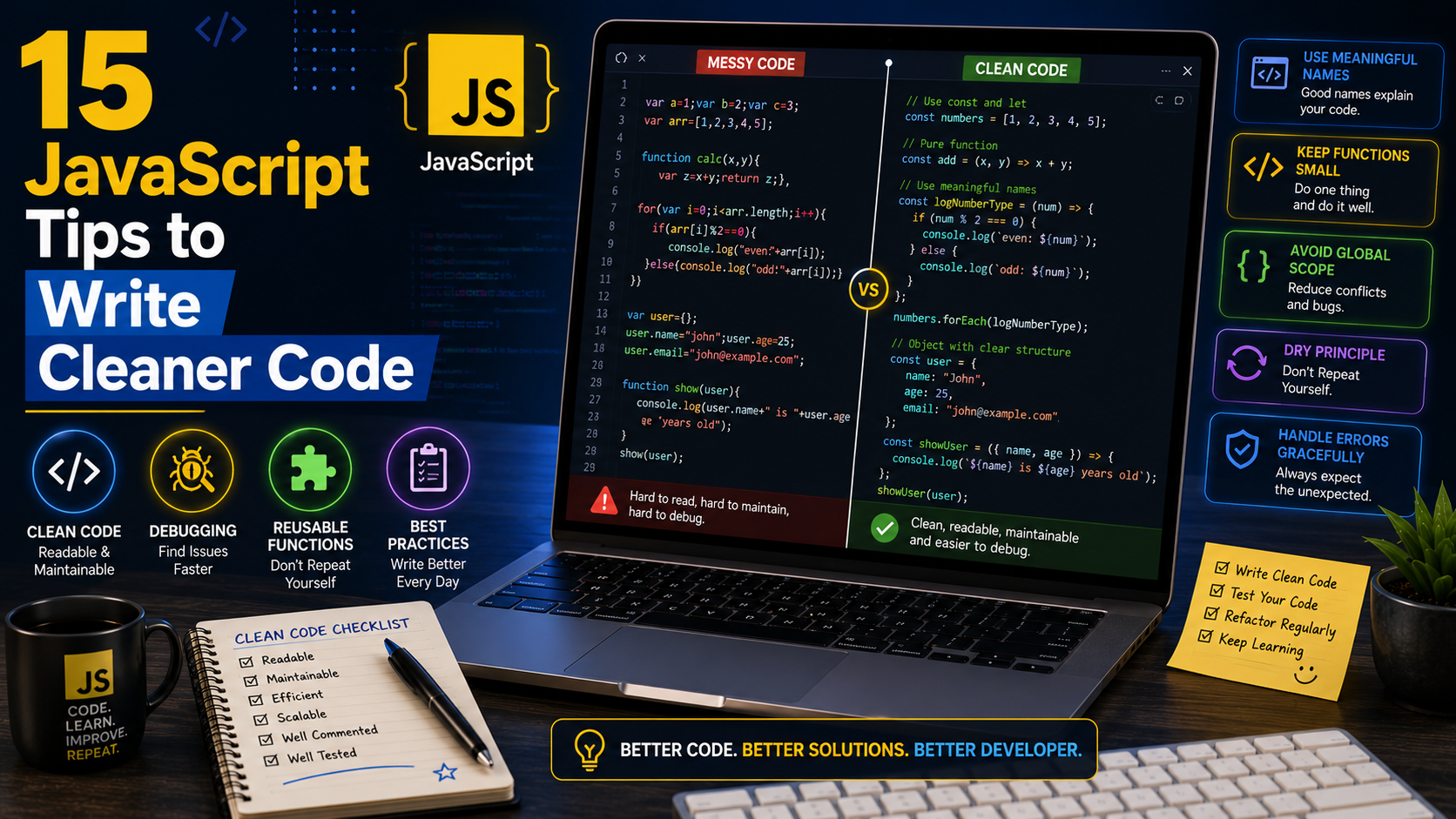
15 JavaScript Tips to Write Cleaner Code
Writing JavaScript that works is only the beginning. Professional developers focus on writing clean, readable, and maintainable code that is easy to understand and update.
As projects grow, messy code becomes difficult to debug, extend, and collaborate on. Clean code helps you build reliable applications, reduces bugs, and makes teamwork much easier.
In this guide, you'll learn 15 practical JavaScript tips that will improve your coding style and help you write professional-quality code.
Why Clean Code Matters
Clean JavaScript offers many benefits:
- Easier to read and understand.
- Faster debugging.
- Fewer bugs.
- Better teamwork.
- Easier maintenance.
- Improved scalability.
- Professional coding standards.
Good code is written not only for computers but also for the people who will read it—including your future self.
1. Use Meaningful Variable Names
Avoid vague names like:
let x = "Christian";
let y = 25;
Instead, write:
let userName = "Christian";
let userAge = 25;
Descriptive names make your code self-explanatory.
2. Prefer const Over let
If a value doesn't change, use const.
const companyName = "Youngstar Engineering";
Use let only when reassignment is necessary.
3. Keep Functions Small
Avoid creating functions that perform too many tasks.
Poor example:
function processOrder() {
// validate
// calculate
// save
}
Better:
validateOrder();
calculateTotal();
saveOrder();
sendConfirmationEmail();
Small functions are easier to understand and test.
4. Write Reusable Functions
Instead of repeating code:
console.log("Welcome John");
console.log("Welcome Mary");
Create one reusable function:
function welcome(name) {
console.log(`Welcome ${name}`);
}
welcome("John");
welcome("Mary");
5. Use Template Literals
Instead of:
let message = "Hello " + name;
Use:
let message = `Hello ${name}`;
Template literals improve readability.
6. Avoid Deep Nesting
Deeply nested code is difficult to follow.
Instead of:
if(user){
if(user.active){
if(user.admin){
console.log("Welcome");
}
}
}
Consider:
if(!user || !user.active || !user.admin){
return;
}
console.log("Welcome");
This approach is cleaner and easier to read.
7. Use Strict Equality (===)
Avoid:
if(age == "18")
Use:
if(age === 18)
Strict equality compares both value and data type, reducing unexpected results.
8. Organize Your Code
Group related code together.
Example:
- Variables
- Functions
- Event listeners
- API calls
- Initialization
A consistent structure makes navigation easier.
9. Comment Wisely
Avoid unnecessary comments.
Poor:
// Add two numbers
let total = a + b;
Useful:
// Calculate the final invoice after tax and discount
Your code should explain how, while comments explain why.
10. Handle Errors Properly
Use try...catch when appropriate.
try {
let result = JSON.parse(data);
} catch (error) {
console.error("Invalid JSON");
}
Proper error handling improves application stability.
11. Use Array Methods
Instead of writing long loops, use built-in methods.
Example:
const prices = [20, 40, 60];
const total = prices.reduce((sum, price) => sum + price, 0);
console.log(total);
Useful array methods include:
map() , filter() , reduce(), find(), forEach()
12. Keep Consistent Formatting
Use consistent:
Indentation
Spacing
Bracket placement
Naming conventions
Example:
function calculateArea(width, height) {
return width * height;
}
Consistent formatting improves readability.
13. Avoid Global Variables
Instead of:
let total = 0;
Limit variable scope whenever possible.
function calculate() {
let total = 0;
}
Smaller scopes reduce conflicts and unintended side effects.
14. Remove Unused Code
Delete:
Unused variables
Old functions
Dead code
Unnecessary comments
Keeping only relevant code makes your project easier to maintain.
15. Break Large Projects into Modules
Instead of placing everything in one file:
script.js
Separate your code:
auth.js
users.js
products.js
cart.js
main.js
Modular code is easier to test, reuse, and maintain.
Common Beginner Mistakes
Avoid these habits:
Using var instead of let or const.
Choosing unclear variable names.
Writing one huge function for everything.
Ignoring error handling.
Repeating the same code.
Leaving debugging code such as:
console.log(data);
in production.
Best Practices
Professional JavaScript developers typically:
Write readable code before optimizing it.
Use descriptive names.
Keep functions focused on one task.
Test frequently.
Use version control with Git.
Review and refactor code regularly.
Follow a consistent coding style across projects.
Helpful Tools
These tools can help you write cleaner JavaScript:
- Visual Studio Code
- Chrome Developer Tools
- Firefox Developer Tools
- ESLint
- Prettier
- Git
- GitHub
Using a linter such as ESLint and an automatic formatter such as Prettier helps maintain consistent code quality.
Practical Mini Project
Build a simple Task Manager application and apply these clean coding practices:
Use const wherever possible.
Split code into modules.
Create reusable functions.
Handle invalid user input gracefully.
Format your code consistently.
Remove unused variables and functions.
Review your code after completing the project and identify areas where readability can be improved.
Frequently Asked Questions
What is clean code?
Clean code is code that is easy to read, understand, maintain, and modify without introducing unnecessary complexity.
Should beginners worry about clean code?
Yes. Developing good coding habits early makes it easier to work on larger projects and collaborate with other developers later.
Can clean code improve performance?
Clean code mainly improves maintainability and reduces bugs. Performance depends on many factors, but well-organized code is often easier to optimize.
Conclusion
Writing clean JavaScript is a skill that develops through consistent practice. By using meaningful variable names, creating small reusable functions, organizing your files, handling errors properly, and following modern coding standards, you'll produce code that is easier to understand and maintain.
Whether you're building a portfolio project, a business website, or a large web application, clean code will save time, reduce frustration, and make you a more effective developer.
References — APA 7th Edition
ECMA International. (2024). ECMAScript® 2024 language specification. ECMAScript 2024 Language Specification
Haverbeke, M. (2018). Eloquent JavaScript: A modern introduction to programming (3rd ed.). No Starch Press. Eloquent JavaScript
Mozilla Developer Network. (n.d.). JavaScript. MDN Web Docs. JavaScript — MDN Web Docs
Mozilla Developer Network. (n.d.). JavaScript guide. MDN Web Docs. JavaScript Guide — MDN Web Docs
Mozilla Developer Network. (2026). Guidelines for writing JavaScript code examples. MDN Web Docs. JavaScript code style guidelines — MDN Web Docs
Mozilla Developer Network. (n.d.). Functions. MDN Web Docs. Functions — MDN Web Docs
Mozilla Developer Network. (n.d.). JavaScript modules. MDN Web Docs. JavaScript modules — MDN Web Docs
Mozilla Developer Network. (n.d.). Promises. MDN Web Docs. Promises — MDN Web Docs
Rauschmayer, A. (2020). JavaScript for impatient programmers. Exploring JS. JavaScript for impatient programmers
Zakas, N. C. (2012). Maintainable JavaScript: Writing readable code. O'Reilly Media. Maintainable JavaScript